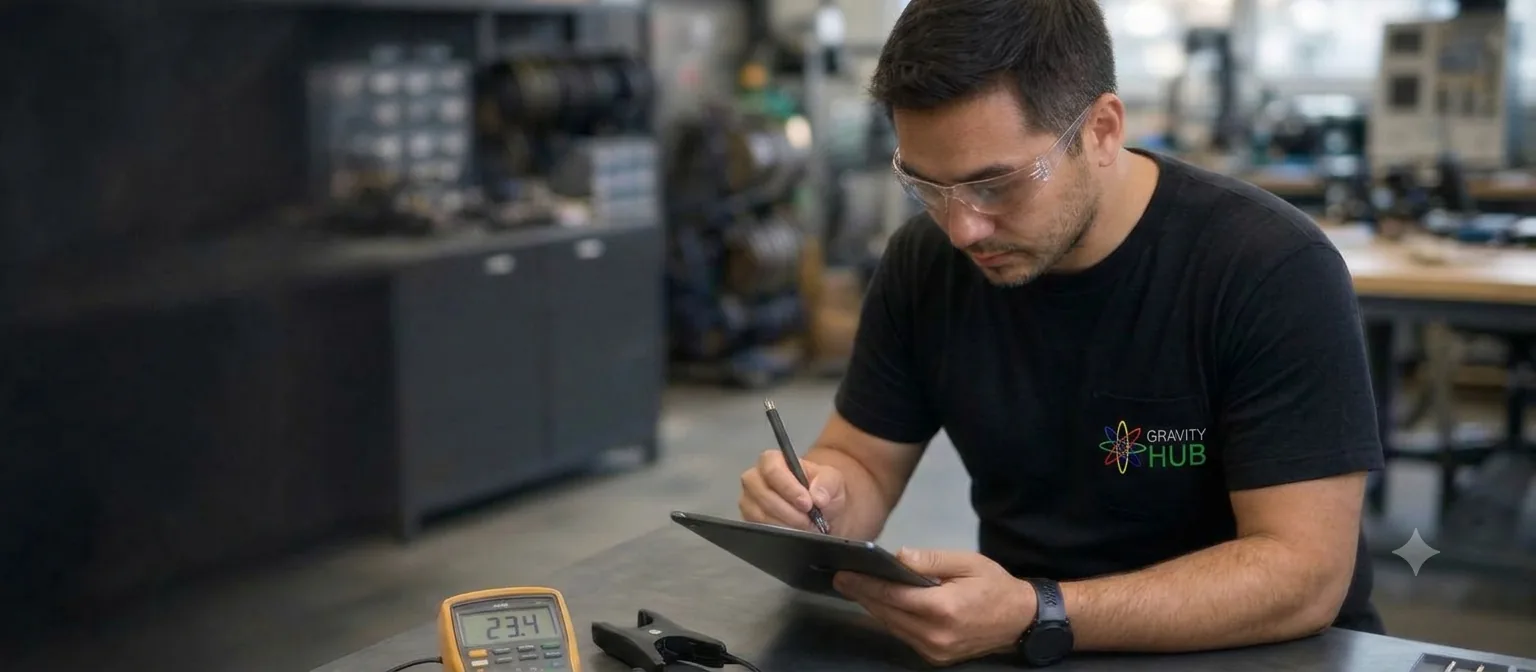
A reading becomes more useful when you can explain when it was recorded and what the equipment was doing at the time. This simple review is a way to organise your observations—not a substitute for a technical assessment.
Check the time period and units
Note the date range, time interval, and units shown by the monitor. When comparing readings, use similar periods and make sure you are comparing the same measurement.
Add operating context
Record whether equipment was running, idle, or following a different schedule during the period. Note unusual events or changes that may help explain why two time periods look different.
Keep the original details
Write down the monitor model if known and save a screenshot or export with its date range visible. Avoid drawing conclusions from one reading alone; configuration, measurement points, and operating conditions all matter.